tsjdevapps.MauiControlsLib
1.2.0
See the version list below for details.
dotnet add package tsjdevapps.MauiControlsLib --version 1.2.0
NuGet\Install-Package tsjdevapps.MauiControlsLib -Version 1.2.0
<PackageReference Include="tsjdevapps.MauiControlsLib" Version="1.2.0" />
<PackageVersion Include="tsjdevapps.MauiControlsLib" Version="1.2.0" />
<PackageReference Include="tsjdevapps.MauiControlsLib" />
paket add tsjdevapps.MauiControlsLib --version 1.2.0
#r "nuget: tsjdevapps.MauiControlsLib, 1.2.0"
#:package tsjdevapps.MauiControlsLib@1.2.0
#addin nuget:?package=tsjdevapps.MauiControlsLib&version=1.2.0
#tool nuget:?package=tsjdevapps.MauiControlsLib&version=1.2.0
Controls Library for .NET MAUI
This repository contains some custom made controls for your .NET MAUI application. This library is currently under development and for the moment there is only a RatingControl available.
Installation
Install the package via NuGet.
Initialization
Open the class MauiProgram and call UseMauiControlsLib() on the MauiAppBuilder.
MauiAppBuilder builder = MauiApp.CreateBuilder();
builder
    .UseMauiApp<App>()
    .UseMauiControlsLib() // <--
    .ConfigureFonts(fonts =>
    {
        fonts.AddFont("OpenSans-Regular.ttf", "OpenSansRegular");
        fonts.AddFont("OpenSans-Semibold.ttf", "OpenSansSemibold");
    });

return builder.Build();
In order to make use of the control within XAML you can use this namespace:
xmlns:controls="http://www.tsjdev-apps.de/controls/maui"
Available Controls
InitialsControl
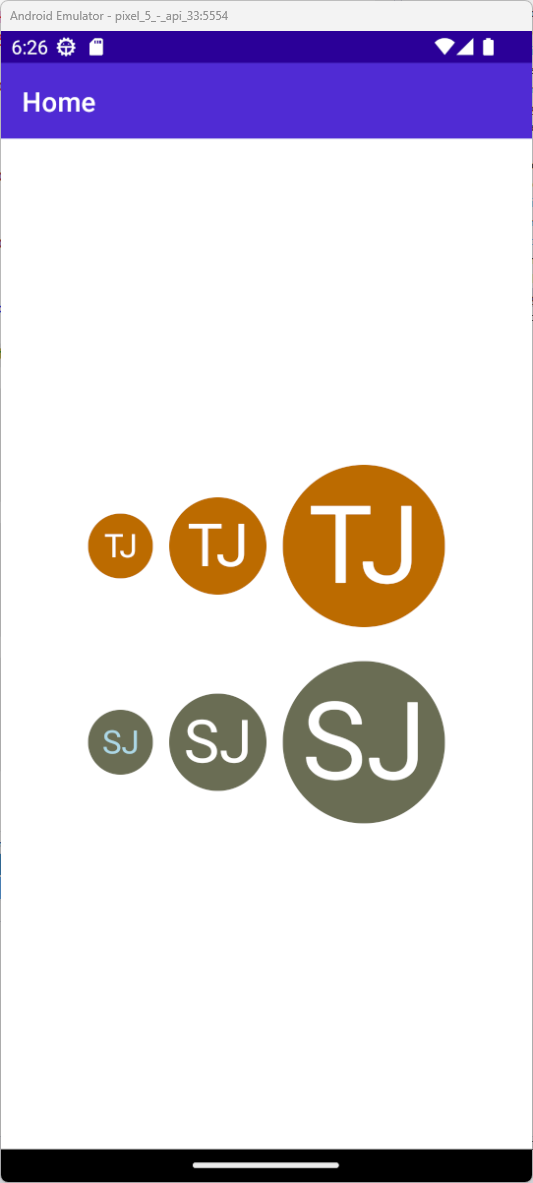
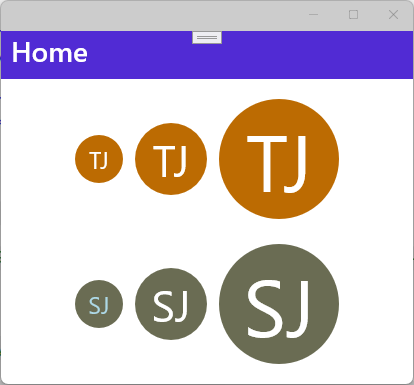
You can use the InitialsControl in your .NET MAUI application to show a round badge with the initials of a person.
The following table explains all the available properties and their default value.
| name | type | default value | description |
|---|---|---|---|
DefaultBackgroundColor |
Color |
Colors.LightGray |
Indicates the default background color if no name is available |
TextColorLight |
Color |
Colors.White |
Indicates the light text color |
TextColorDark |
Color |
Colors.Black |
Indicates the dark text color |
Name |
string |
string.Empty |
Indicates the name to take the initials from |
Size |
ControlSize |
ControlSize.Small |
Indicates the size of the control |
Screenshot of InitialsControl on Android
Screenshot of InitialsControl on Windows
RatingControl
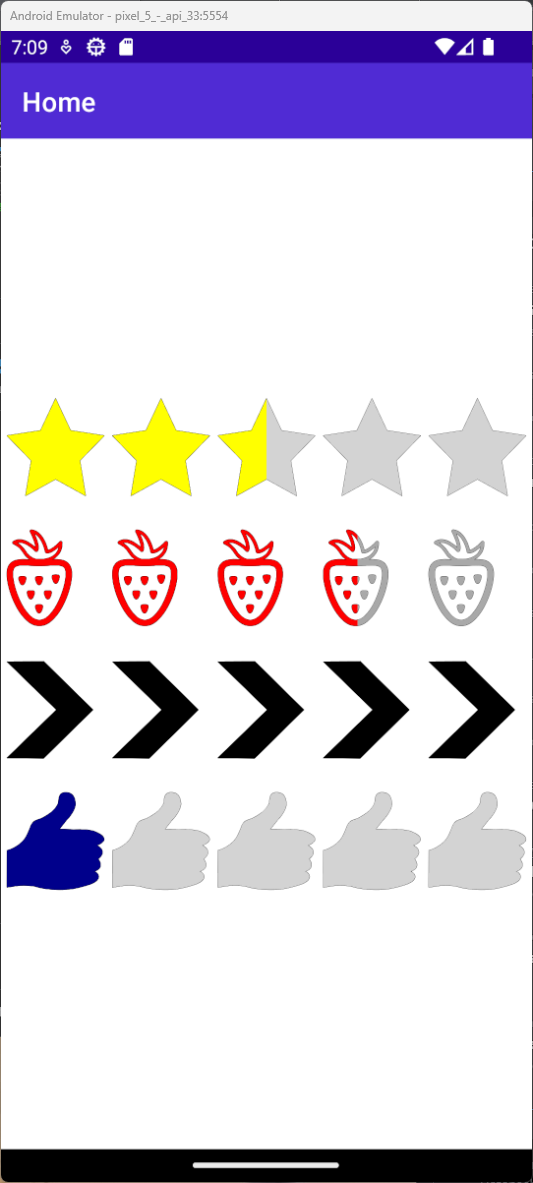
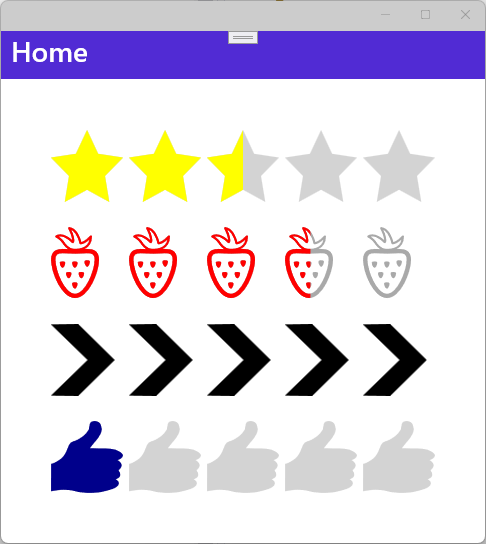
You can use the RatingControl in your .NET MAUI application.
The following table explains all the available properties and their default value.
| name | type | default value | description |
|---|---|---|---|
Amount |
int |
5 |
Indicates the number of rating items to be displayed |
CurrentValue |
float |
2.5f |
Indicates the current rating value to be displayed |
ItemSize |
float |
24f |
Indicates the size of each rating item |
ItemSpacing |
float |
6f |
Indicates the spacing between each rating item. |
FillColor |
Color |
Colors.Yellow |
Indicates the fill color to be used for each rating item |
UnfillColor |
Color |
Colors.LightGray |
Indicates the unfill color to be used for each rating item |
Path |
string |
<Star> |
Indicates the path used to draw each rating item |
Screenshot of RatingControl on Android
Screenshot of RatingControl on Windows
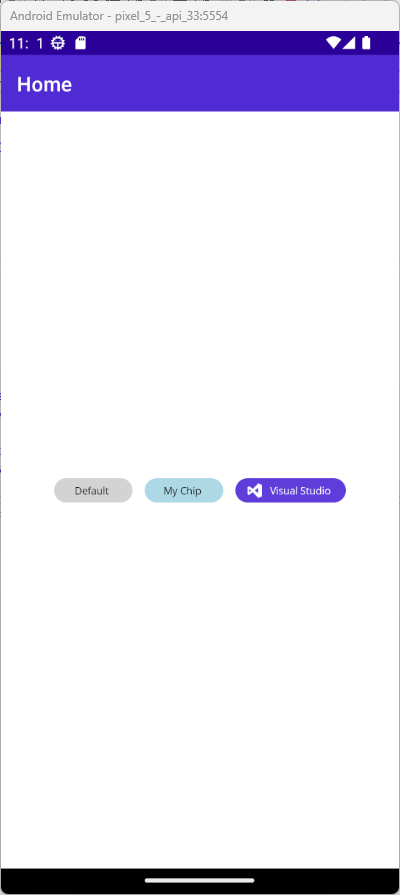
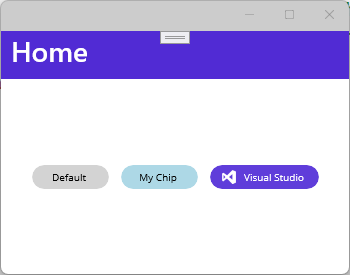
StaticChipControl
You can use the StaticChipControl in your .NET MAUI application.
The following table explains all the available properties and their default value.
| name | type | default value | description |
|---|---|---|---|
Text |
string |
string.Empty |
Indicates the text of the chip to be displayed |
Color |
Color |
Colors.LightGray |
Indicates the background color of the chip |
TextColor |
Color |
Colors.Black |
Indicates the text color of the text |
ImageSource |
ImageSource |
null |
Indicates the icon of the chip |
Screenshot of StaticChipControl on Android
Screenshot of StaticChipControl on Windows
| Product | Versions Compatible and additional computed target framework versions. |
|---|---|
| .NET | net7.0 is compatible. net7.0-android was computed. net7.0-android33.0 is compatible. net7.0-ios was computed. net7.0-ios16.1 is compatible. net7.0-maccatalyst was computed. net7.0-maccatalyst16.1 is compatible. net7.0-macos was computed. net7.0-tvos was computed. net7.0-windows was computed. net7.0-windows10.0.19041 is compatible. net8.0 was computed. net8.0-android was computed. net8.0-browser was computed. net8.0-ios was computed. net8.0-maccatalyst was computed. net8.0-macos was computed. net8.0-tvos was computed. net8.0-windows was computed. net9.0 was computed. net9.0-android was computed. net9.0-browser was computed. net9.0-ios was computed. net9.0-maccatalyst was computed. net9.0-macos was computed. net9.0-tvos was computed. net9.0-windows was computed. net10.0 was computed. net10.0-android was computed. net10.0-browser was computed. net10.0-ios was computed. net10.0-maccatalyst was computed. net10.0-macos was computed. net10.0-tvos was computed. net10.0-windows was computed. |
-
net7.0
- M.BindableProperty.Generator (>= 0.11.1)
-
net7.0-android33.0
- M.BindableProperty.Generator (>= 0.11.1)
-
net7.0-ios16.1
- M.BindableProperty.Generator (>= 0.11.1)
-
net7.0-maccatalyst16.1
- M.BindableProperty.Generator (>= 0.11.1)
-
net7.0-windows10.0.19041
- M.BindableProperty.Generator (>= 0.11.1)
NuGet packages
This package is not used by any NuGet packages.
GitHub repositories
This package is not used by any popular GitHub repositories.
- Add StaticChipControl